Home/Downloads/macOS App
48K RATINGS4.9★★★★★
DEVELOPERDreamBeesAI Systems Inc.
PLATFORMmacOSApple Silicon Native
SIZE141.2 MBDMG Package
VERSION1.4.11Latest stable release

Harness local power. Run with zero lag.

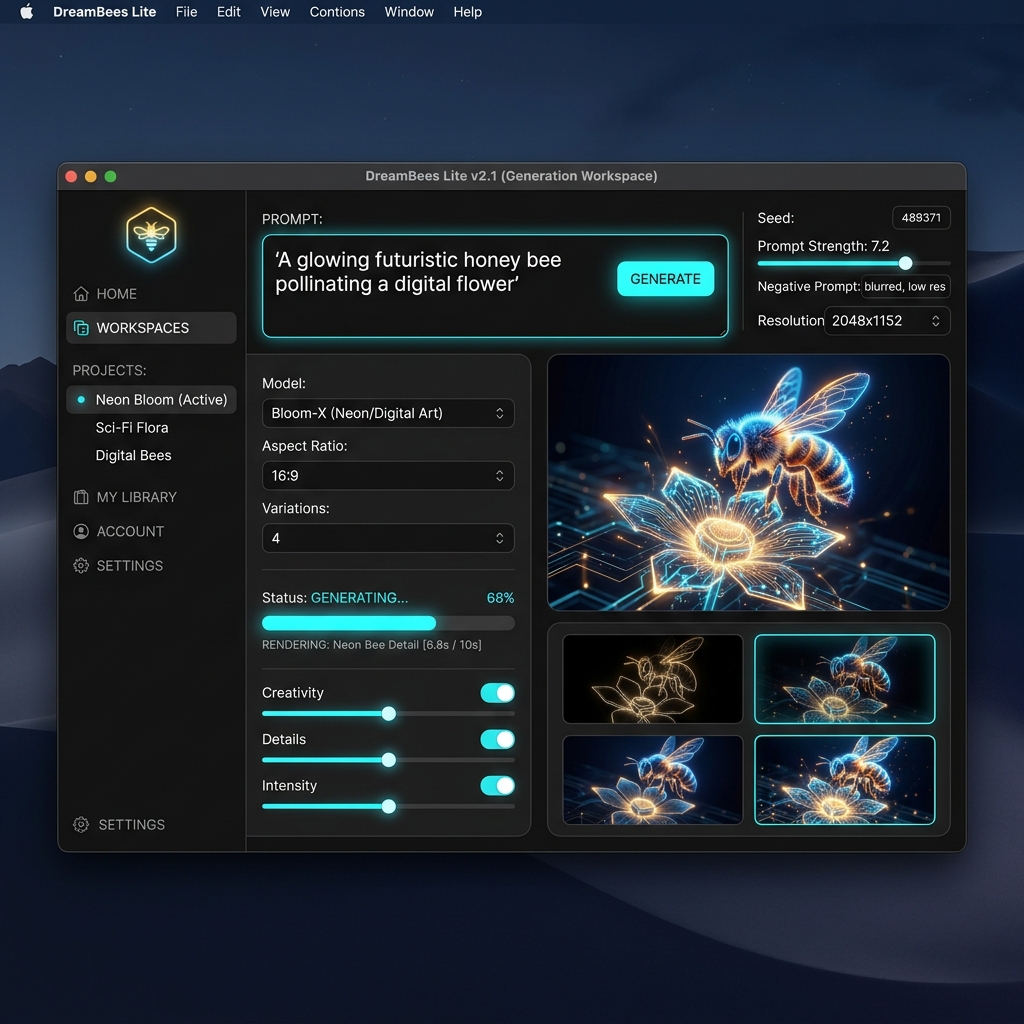
DreamBees Lite bridges web access, desktop focus, and cloud capabilities. Start from any browser, then use the native app when you want a dedicated workspace with local history.

Use the interactive Setup Assistant on the right to verify system specs, run the installer flow, and connect the desktop app to your account.

Core Benefits
  • Zero Tab Clutter: Kept in a dedicated dockable application.
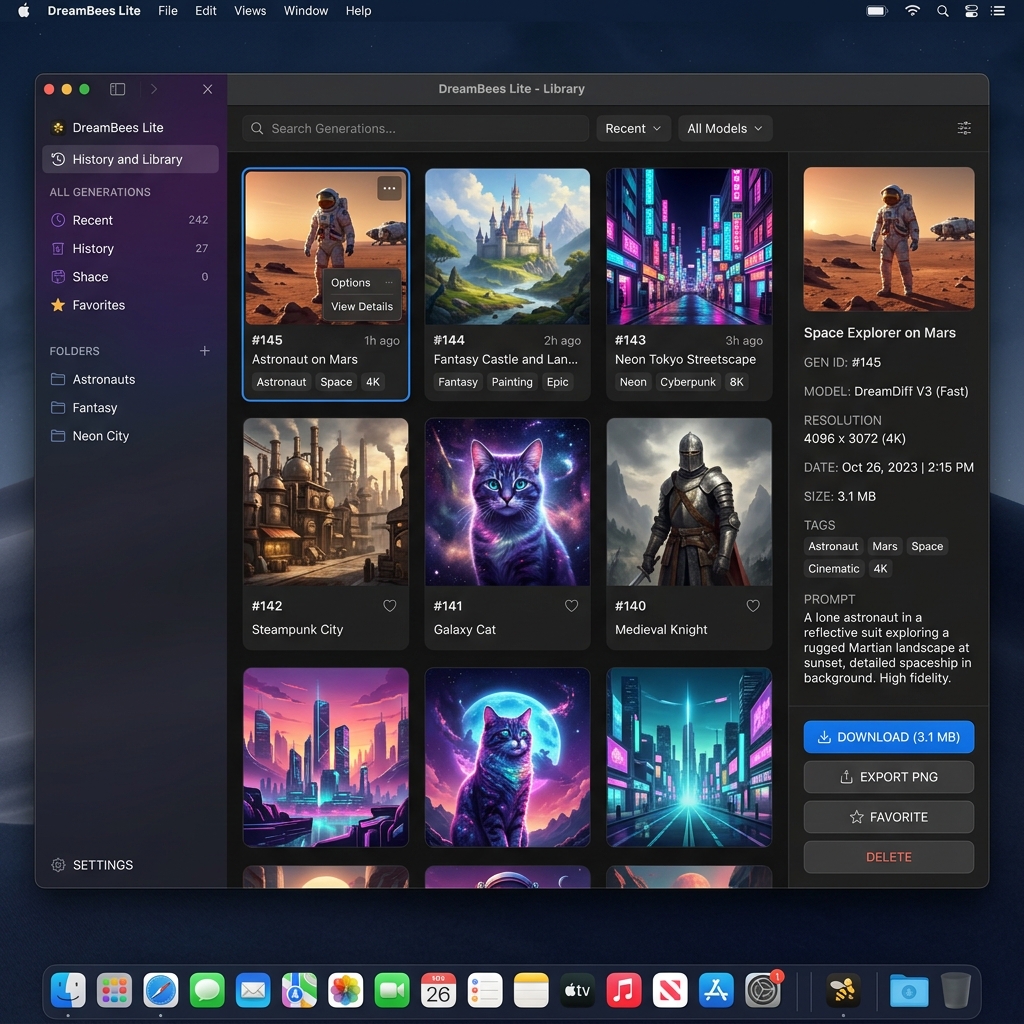
  • Local-First History: All prompts and metadata stay in your local database.
  • Native Code: Direct hardware bindings for local pre-processing.
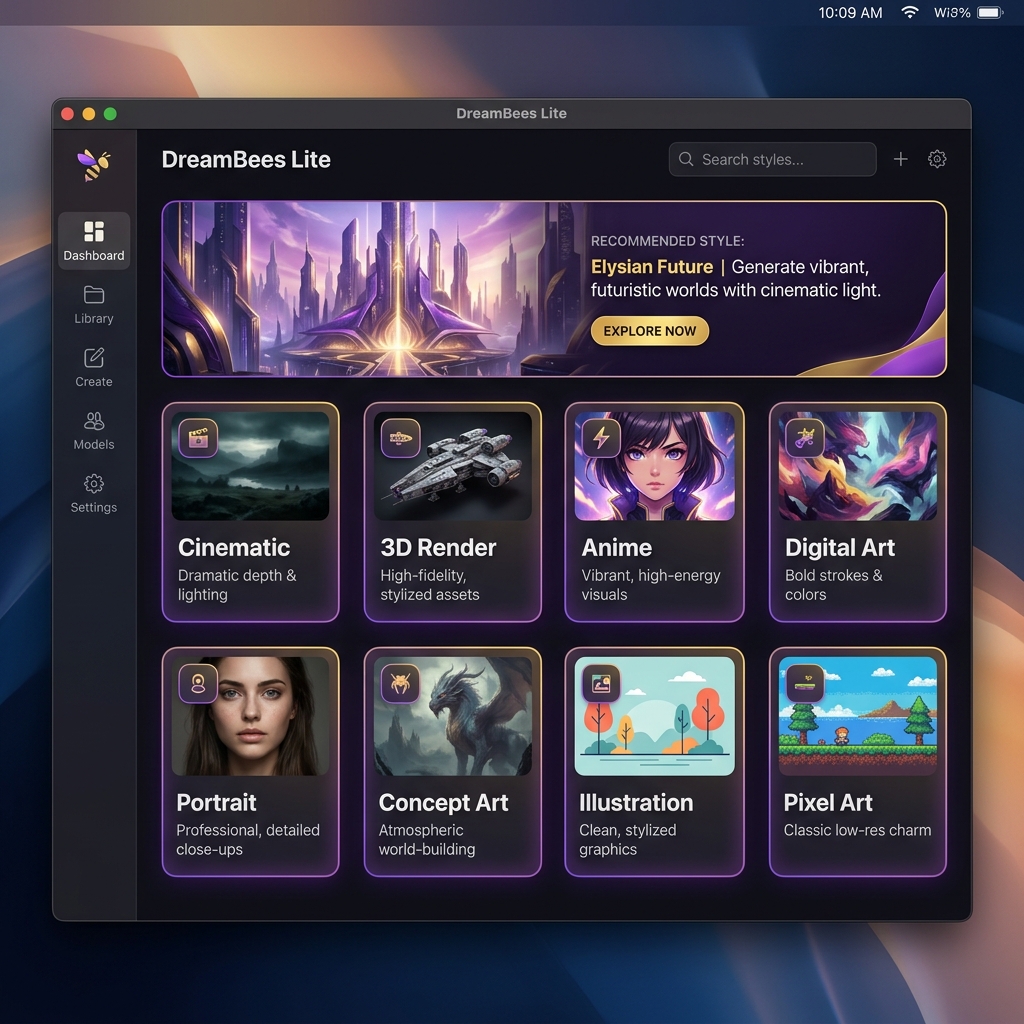
Why creators install the desktop app

Reliable Context

Your prompt logs, model parameters, and saved templates stay grouped in one workspace.

Local Database

Built-in high-performance local SQLite storage maps catalog changes immediately.

Direct Integration

Allows instant exporting and drag-and-drop support into native vector design tools.

System Requirements

Operating SystemmacOS 13.0+
ProcessorApple Silicon M1/M2/M3+
Disk SpaceAt least 1 GB free
NetworkSign-in & Cloud boost

Frequently Asked Questions

No. Drag the app icon to your Applications folder in Step 2. No terminal configuration is required.

Yes. You can keep using the web app, install the desktop client later, or use both with the same DreamBees account.

Cloud-boost uses our server cluster to synthesize images in 1-2 seconds, while local-first operations use your CPU/GPU for slower offline processing.

Release Notes

Version 1.4.11 (Latest)

Implements client-side state recovery for slow local loads, adds robust Electron IPC boundaries, and fixes database locks. Features platform-native binary compilation for direct device execution.

Ready to create? Use the web app now or install DreamBees Lite for macOS.
Web App